
- 1 1. Introduction
- 2 2. What Is the Java do-while Statement? (Basic Syntax)
- 3 3. Clear Differences Between while and do-while
- 4 4. Java do-while Loop Examples (Beginner-Friendly)
- 5 5. When to Use do-while: Pros and Cons
- 6 6. Combining do-while with break and continue
- 7 7. Common Errors and Important Notes
- 8 8. FAQ (Frequently Asked Questions)
- 8.1 Q1. When should I use a do-while loop?
- 8.2 Q2. How should I choose between while and do-while?
- 8.3 Q3. Why does my loop become infinite?
- 8.4 Q4. Is the do-while loop commonly used in real projects?
- 8.5 Q5. Can I ignore do-while and still program in Java?
- 8.6 Q6. Is the semicolon after while mandatory?
- 9 9. Final Summary
1. Introduction
“What’s the difference between a do-while statement and while or for?” This is one of the first questions many beginners encounter when learning Java. The do-while loop is a post-test loop that guarantees the code block runs at least once. It is especially useful in real-world scenarios such as validating user input or ensuring something is displayed at least once.
In this chapter, we clarify what you will learn to help you grasp the overall concept of the do-while loop. Subsequent sections will cover syntax, differences from while, sample code, common pitfalls, and FAQs. By the end, you should be able to use it naturally and confidently.
Target Audience
- Java beginners to those who want to strengthen their fundamentals
- Anyone who wants to understand the differences and proper use cases between
whileanddo-whilewith examples - Readers who want to avoid common beginner mistakes such as infinite loops or missing semicolons
What You Will Learn
- The basic syntax and behavior of the
do-whileloop (post-test / executes at least once) - Clear differences between
whileanddo-while, and how to choose the right one - Beginner-friendly sample code and how to read the output
- Important considerations when using
breakandcontinue - Common errors and pitfalls (missing semicolons, infinite loops due to poor condition design, etc.)
In the following sections, we’ll start with the syntax, then move step by step through comparisons, examples, and cautions to help solidify your understanding.
2. What Is the Java do-while Statement? (Basic Syntax)
Java provides several loop constructs such as for and while, but the do-while loop has a unique characteristic. It executes the code block first and evaluates the condition afterward, which is why it is often referred to as a post-test loop.
Other loops evaluate the condition before execution, meaning the code might not run at all. In contrast, the do-while loop always runs at least once, making it ideal for specific scenarios.
Basic Syntax
do {
    // Code to execute
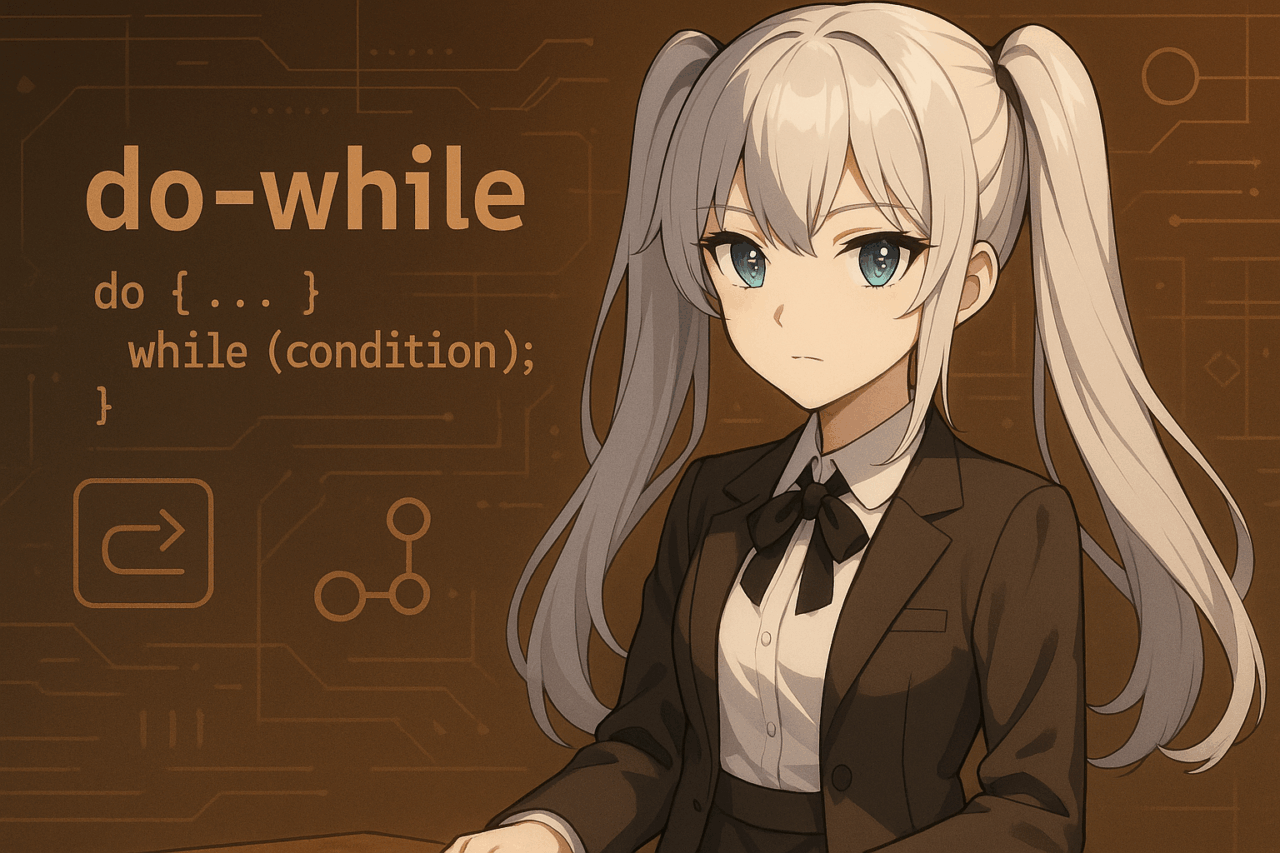
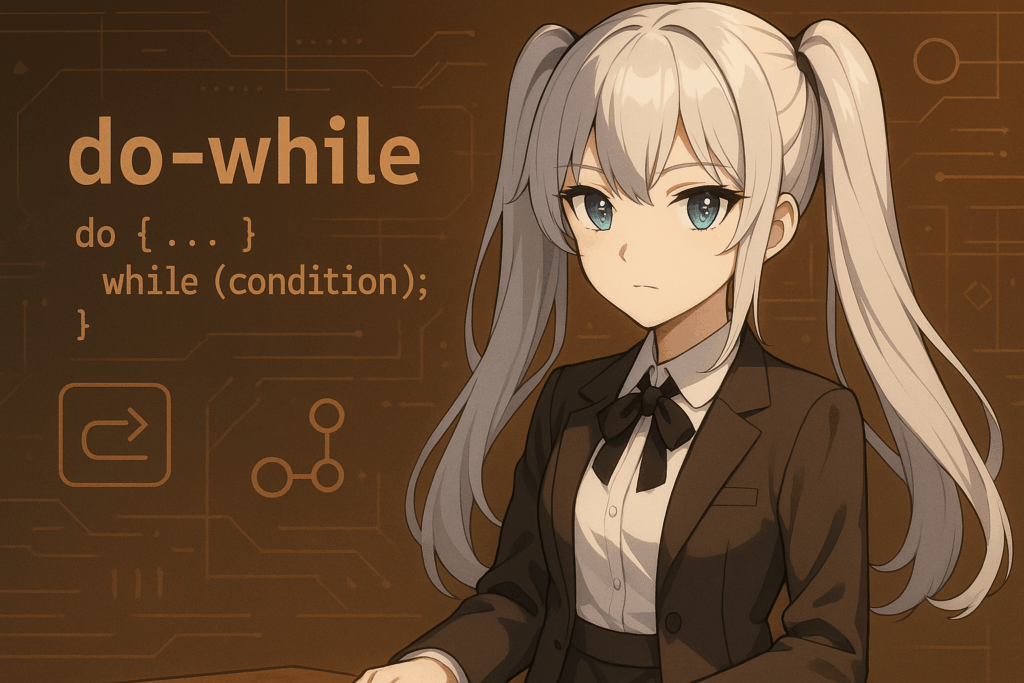
} while (condition);
One critical detail is that you must include a semicolon (;) after while (condition). Forgetting it will result in a compilation error.
Execution Flow
- Execute the code inside
do { ... } - Evaluate
while (condition); - If the condition is
true, repeat the loop - If the condition is
false, exit the loop
In short, the order is: execute → evaluate → repeat.
Simple Example
int count = 1;

do {
    System.out.println("Loop count: " + count);
    count++;
} while (count <= 3);
Output
Loop count: 1
Loop count: 2
Loop count: 3
Although the condition is checked after execution, the message is always printed at least once.
3. Clear Differences Between while and do-while
In Java, the most common loop statements are while and do-while. They look similar, but there is a crucial difference: when the condition is evaluated. Understanding this difference makes choosing the right loop much easier.
Execution Order of the while Statement
while (condition) {
    // Code to execute
}
- 1. The condition is evaluated first
- 2. The code executes only if the condition is
true - 3. If the condition is
false, the code never runs
Execution Order of the do-while Statement
do {
    // Code to execute
} while (condition);
- 1. The code executes first
- 2. The condition is evaluated afterward
- 3. If the condition is
true, the loop repeats - 4. If the condition is
false, the loop ends
Comparison Table
| Feature | while Loop | do-while Loop |
|---|---|---|
| Condition check timing | Before execution | After execution |
| Possibility of zero executions | Yes | No (always runs at least once) |
| Usage frequency | High | Lower |
Intuitive Explanation
- while loop: “Checking a ticket before entering a venue.” If you don’t have a ticket, you never enter.
- do-while loop: “Entering the venue first, then checking the ticket at the exit.” You always enter at least once.
Simple Comparison Code
int x = 5;

// while loop
while (x < 5) {
    System.out.println("while: executed");
}

// do-while loop
do {
    System.out.println("do-while: executed");
} while (x < 5);
Output
do-while: executed
Even though the condition is false from the start, the do-while loop still executes once.
4. Java do-while Loop Examples (Beginner-Friendly)
Now let’s look at practical examples using the do-while loop to better understand how it works. The key point to remember is that the loop always executes at least once.
Basic Example: Repeating a Counter
int count = 1;

do {
    System.out.println("Hello! Count: " + count);
    count++;
} while (count <= 3);
Output
Hello! Count: 1
Hello! Count: 2
Hello! Count: 3
In this example, the message is displayed while count is less than or equal to 3. Because the condition is evaluated after execution, the message is always printed at least once.
When the Condition Is False from the Start
int num = 10;

do {
    System.out.println("This code runs!");
} while (num < 5);
Output
This code runs!
Even though the condition num < 5 is false initially, the loop still executes once. This behavior is unique to the do-while loop.
Using Random Numbers: Roll a Die Until You Get 6
import java.util.Random;

public class Main {
    public static void main(String[] args) {
        Random rand = new Random();
        int dice;

        do {
            dice = rand.nextInt(6) + 1; // Random number from 1 to 6
            System.out.println("Dice roll: " + dice);
        } while (dice != 6);

        System.out.println("You rolled a 6. The loop ends!");
    }
}
Sample Output
Dice roll: 2
Dice roll: 5
Dice roll: 6
You rolled a 6. The loop ends!
This program keeps rolling the die until a 6 appears. With a while loop, the code might not run at all if the condition is false at the start, but a do-while loop guarantees at least one roll.
Key Takeaways
- Ideal when you need to execute code at least once (e.g., user input, initial attempts).
- Comparing
do-whilewithwhileusing code examples makes the difference easier to understand.
5. When to Use do-while: Pros and Cons
So far, we’ve covered syntax and examples. Now let’s discuss when you should use a do-while loop and examine its advantages and disadvantages.
Recommended Use Cases
- When the code must run at least once
- Prompting user input (e.g., confirmation dialogs).
- Rolling a die at least once before checking a condition.
- Attempting file access or connection checks at least once.
- When post-condition logic feels more natural
- “Try first, then decide whether to continue” workflows.
Advantages
- Guaranteed at least one execution
Useful when you must always display a message or perform an initial action. - Well-suited for input validation and trial-based logic
The loop structure naturally matches scenarios where you want to run once before checking conditions.
Disadvantages
- Reduced readability in some cases
Developers unfamiliar withdo-whilemay find the logic less intuitive. - Lower usage frequency
In real-world projects,forandwhileloops are more common. Overusingdo-whilemay confuse teammates.
Summary
- Use
do-whileonly when there is a clear reason to execute at least once. - In most other cases,
whileorforloops are safer and clearer choices.
6. Combining do-while with break and continue
The do-while loop becomes even more flexible when combined with break and continue. Let’s look at common usage patterns.
break: Exiting the Loop Early
The break statement immediately terminates the loop. It works the same way inside a do-while loop.
int count = 1;

do {
    if (count > 5) {
        break;  // Exit the loop when count exceeds 5
    }
    System.out.println("Count: " + count);
    count++;
} while (true);

System.out.println("Loop has ended");
Output
Count: 1
Count: 2
Count: 3
Count: 4
Count: 5
Loop has ended
Although this looks like an infinite loop due to while (true), the break statement ensures a proper exit.
continue: Skipping to the Next Iteration
The continue statement skips the remaining code in the current iteration and proceeds to the next condition check.
int num = 0;

do {
    num++;
    if (num % 2 == 0) {
        continue;  // Skip even numbers
    }
    System.out.println("Odd number: " + num);
} while (num < 5);
Output
Odd number: 1
Odd number: 3
Odd number: 5
In this example, even numbers are skipped and only odd numbers are printed.
Practical Example: User Input Loop
A common pattern is forcing at least one user input, then exiting when a condition is met.
import java.util.Scanner;

public class Main {
    public static void main(String[] args) {
        Scanner scanner = new Scanner(System.in);
        String input;

        do {
            System.out.print("Type 'exit' to quit: ");
            input = scanner.nextLine();

            if (input.equals("exit")) {
                break;
            }
            System.out.println("You entered: " + input);

        } while (true);

        System.out.println("Program terminated");
    }
}
Key Points
break→ Completely exits the loopcontinue→ Skips the current iteration only- Combining these with
do-whileallows flexible control while guaranteeing at least one execution
7. Common Errors and Important Notes
Although the do-while loop has a simple structure, beginners often run into a few common mistakes. Below are the most frequent errors and points you should pay close attention to.
1. Forgetting the Semicolon
In a do-while loop, a semicolon after while (condition) is mandatory. Forgetting it will cause a compilation error.
// ❌ Incorrect: causes a compilation error
do {
    System.out.println("Processing");
} while (x < 5)   // Missing semicolon
// ✅ Correct
do {
    System.out.println("Processing");
} while (x < 5);
2. Infinite Loops
If the loop condition never becomes false, the loop will never stop. This often happens when the variable used in the condition is not updated.
int x = 1;

do {
    System.out.println("Execution: " + x);
    // x is never updated, so the condition remains true
} while (x > 0);
This code results in an infinite loop. Always ensure that the condition can eventually change and terminate the loop.
3. Unintentional Single Execution
Because a do-while loop always runs at least once, the code may execute a single time even when you did not intend to loop.
int num = 10;

do {
    System.out.println("Executed");
} while (num < 5);
Output
Executed
If your intention was to skip execution entirely, this behavior can introduce bugs. Careful condition design is essential.
4. Confusing do-while with while
Beginners often assume do-while behaves exactly like while. Forgetting that do-while always executes once can easily lead to unexpected results.
Summary
- Forgetting the semicolon is the most common mistake
- Always update variables to avoid infinite loops
- Design conditions carefully, keeping the “executes at least once” rule in mind
8. FAQ (Frequently Asked Questions)
Below are common questions beginners ask when learning the do-while loop, presented in a Q&A format for quick reference.
Q1. When should I use a do-while loop?
A: Use it when you need the code to run at least once. Typical examples include user input prompts or initial checks that must be performed before deciding whether to continue.
Q2. How should I choose between while and do-while?
A:
- while loop → Execute code only when the condition is satisfied
- do-while loop → Execute code at least once, regardless of the condition
In most cases, while is sufficient. Choose do-while when a single guaranteed execution is required.
Q3. Why does my loop become infinite?
A: This happens when the loop condition always evaluates to true. Common causes include failing to update loop variables or not defining a proper exit condition.
The solution is to ensure the condition can eventually become false.
Q4. Is the do-while loop commonly used in real projects?
A: Not very often. Most production code relies on for or while loops. However, do-while is still useful for scenarios like user input handling or confirmation loops.
Q5. Can I ignore do-while and still program in Java?
A: You can write most programs using for and while. However, understanding do-while is essential for reading existing code and avoiding misinterpretation of loop behavior.
Q6. Is the semicolon after while mandatory?
A: Yes. The semicolon after while (condition) is required. Omitting it will cause a compilation error.
9. Final Summary
We have covered the Java do-while loop from fundamentals to practical usage. Let’s review the most important points.
Key Characteristics of the do-while Loop
- A loop that always executes at least once
- Execution order is process → condition check (post-test loop)
- A semicolon is required at the end of the statement
Differences from the while Loop
while→ Condition is checked before execution; the code may never rundo-while→ Execution is guaranteed at least once
Practical Use Cases
- When user input must be requested at least once
- Trial-based repetition such as dice rolls or connection tests
- Flexible control combined with
breakandcontinue
Important Cautions
- Compilation errors caused by missing semicolons
- Infinite loops due to missing variable updates
- Design conditions carefully, remembering that execution always happens once
Applying This Knowledge
- Although usage frequency is low, understanding
do-whileis essential for reading and maintaining existing code - Use
fororwhileby default, and applydo-whileonly when it clearly fits the logic
In summary, the do-while loop is a powerful construct when you need guaranteed execution. Mastering it will deepen your understanding of Java loop control and help you write clearer, more reliable code.